Lobby Display

The wait time, on the wall.

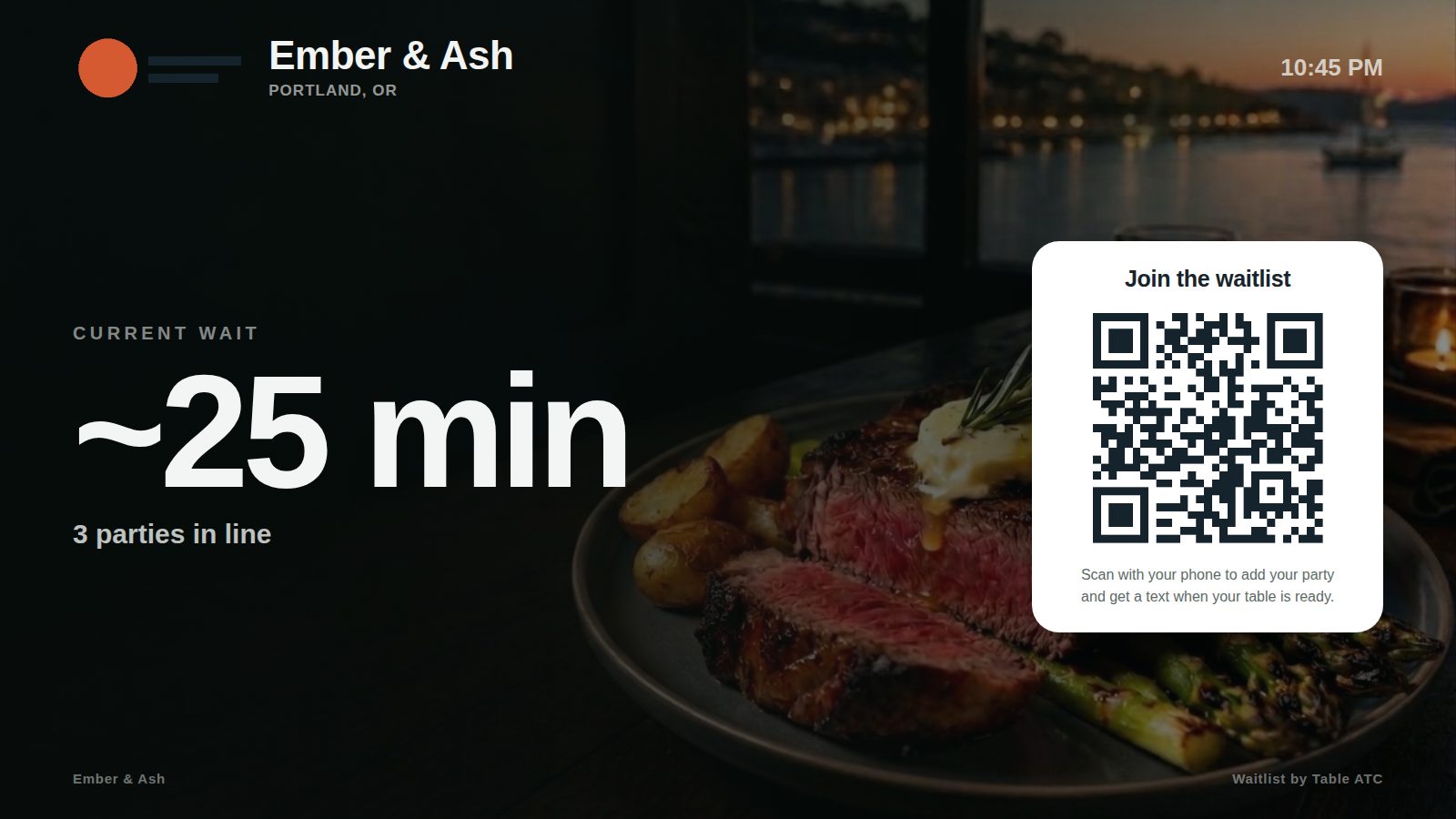
Open one link on any TV or tablet at your door and it becomes a full-screen display: your branding, the current wait, how many parties are in line, and the QR code to join — refreshing itself every 30 seconds, all night.

The lobby display on a TV: restaurant branding, the live wait in large type, and the join QR code

Set it up once

Grab the display link from Settings → Lobby display, open it in the screen’s browser, and go full screen. Upload a background photo of your room or your food and an optional display logo; without them you get a clean dark default and your main logo. That is the whole install.

Always current, never wrong

The wait shown is the same live quote your host quotes — automatic from your seating pace, or whatever your host set, refreshed every 30 seconds without reloading. An empty list flips the screen to a friendly “No wait — walk right in.” Stale leftovers from a past service never drive the number.

Same code, same control

The display URL rides the same code as your printed QR sign: turn the QR waitlist off and the display goes dark with it; generate a fresh code and both move together. Nothing on the screen is more sensitive than what is already printed on your sign.
Common questions

What hardware does it need?

Any screen with a web browser — a smart TV, a spare tablet on a stand, or a TV with a cheap streaming stick that has a browser. There is nothing to install.

Can guests join on the display itself?

No, by design — guests scan the code and join from their own phone. That keeps texting consent theirs, on their device.

What does it show when there is no wait?

A green "No wait — walk right in," with the QR still visible for guests who want a spot in line later.

Ready when you are

Everything here is included in the one plan.

Try Table ATC free for 14 days — then it’s just $25/month. No contracts, no per-cover fees.

Start taking reservations No contract · No setup fee · Cancel anytime