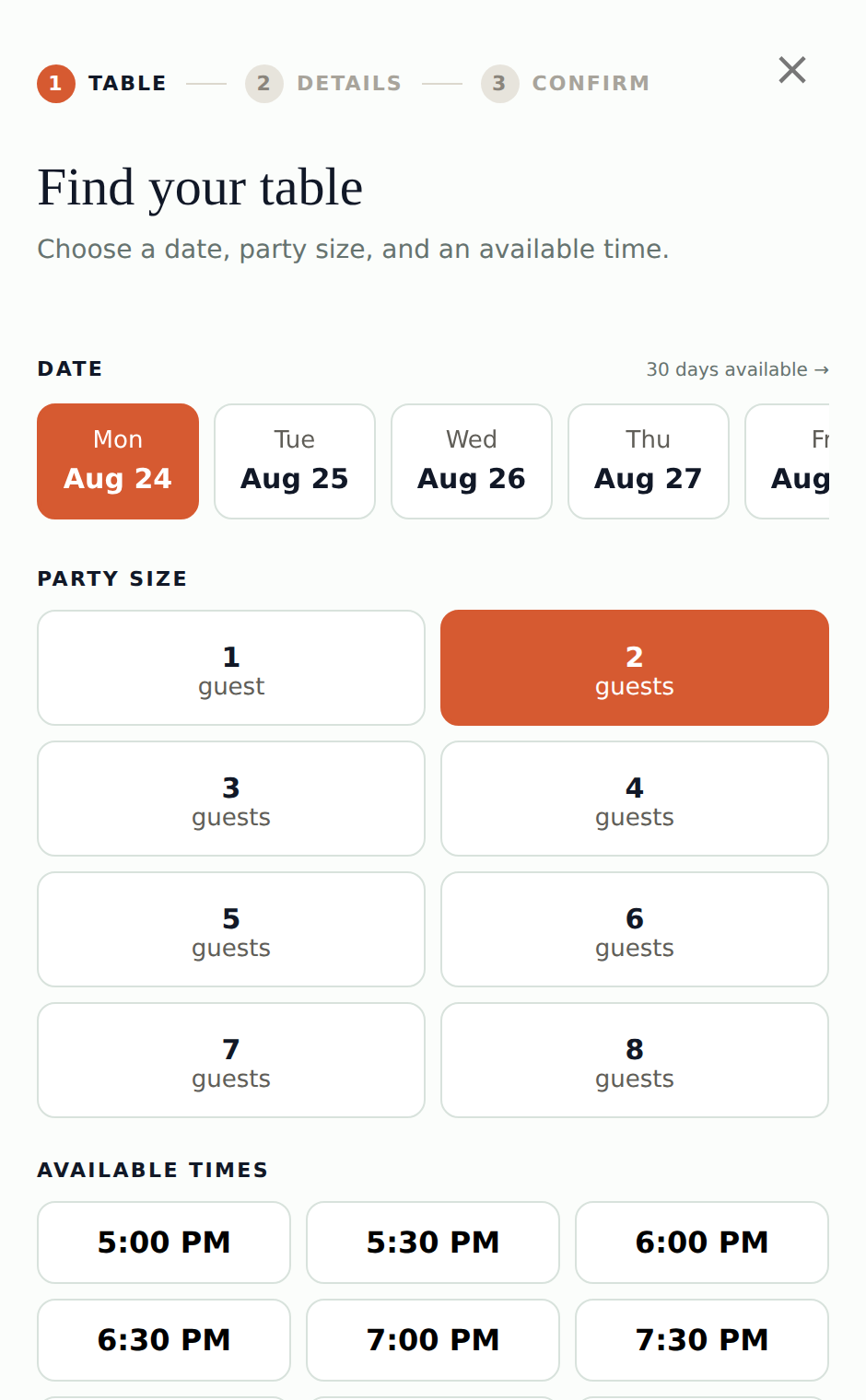
Install it in minutes
Copy the snippet from Settings → Install your reservation widget and paste it into your site. That is the whole install — no new website, no developer required. If you would rather not touch your site at all, one click emails the snippet to your web person.
The booking window opens in an isolated overlay, so it cannot conflict with your site’s own styles or scripts, and it wears your logo, your accent color, and your cover photo.
You control the rules
Availability comes from your settings, not ours: which days you take bookings, your service hours (including split lunch and dinner windows), how many tables you seat per time slot, how far ahead guests can book, minimum notice, party-size limits, and closed dates. Change a rule and the widget reflects it immediately.
Real bookings, not requests
When a guest picks a slot, it is held for them while they finish — two guests can never verify into the same last table. Bookings can be verified by a one-time code before they confirm, so the reservation list your host works from is real names and reachable contacts, not guesses.
Every confirmed booking lands on the host kiosk instantly, alongside reservations your staff take by phone.